Carrier Allocation What's New as of November 2017

Enhancements for Carrier Allocation were released November 8, 2017. Read below for details about the enhancements.
Customer Enhancements
New Look & Feel, Navigation Changes
With this release, you'll notice a refresh of Carrier Allocation's look and feel to be more modern and changes in navigation to make finding and getting around in Carrier Allocation easier.
Navigation Enhancements
Multiple Customers - The tab has been moved to the upper right-hand corner tool bar, next to your user name and the Help menu.
If you have multiple customers to prepare allocation plans for, the drop-down will show all of the customers you have access to and you can select the customer you want to work on.

Figure 1: Multiple Customers
Manage Allocations & Carrier Responses - has been moved to a secondary toolbar in the right-hand corner.
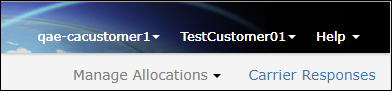
Figure 2: Secondary Toolbar
View Plan Link - To view the plan, click the Plan header link.
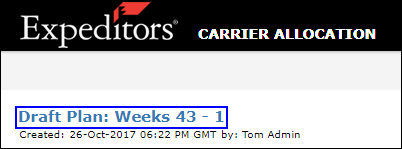
Figure 3: View Plan Link
Download Report Enhancement - To download a report, select the report type from the Download Report drop-down list and then click Download.
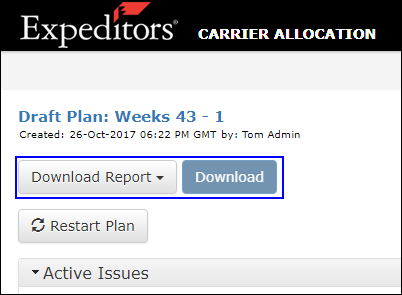
Figure 4: Download Report
Released Plan - Percentage of Total Allocated for Each Carrier
The Carrier Responses section now shows the total percentage allocated per carrier.
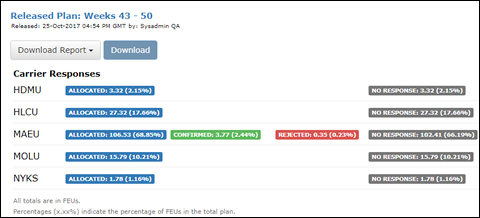
Figure 5: Carrier Responses - Allocated %


© 2021 Property of Expeditors International of Washington, Inc. and its subsidiaries.
Business Confidential and Proprietary. Reproduction by written authorization only.
- Created by: Expeditors Technical Communications Department -